Percipio Learning - Archive an In Progress Assignment
Archiving an assignment is irreversible, and the assignment is non-recoverable. You can only archive an In Progress assignment. Once archived, the assignment is no longer completable to those learners who have not finished it. You can still report on archived assignments.
Site Admins can archive In Progress assignments for any audience or learner in Percipio. Learning Admins can archive In Progress assignments they created for their audiences and the learners within their audiences.
- From the Admin menu, select LEARNING > Assignments. The Assignments page displays.
- Locate the In Progress assignment you wish to archive.
- Click
 >
>  Archive. The following message displays: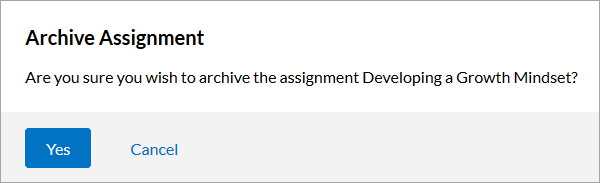
- Click Yes. The assignment is immediately archived.